Student Productivity App

All Your Student Life. Ennovyx One Smart App Ennovyx

Tasks, subjects, documents, expenses, and an AI assistant — all in one productivity system built for students.
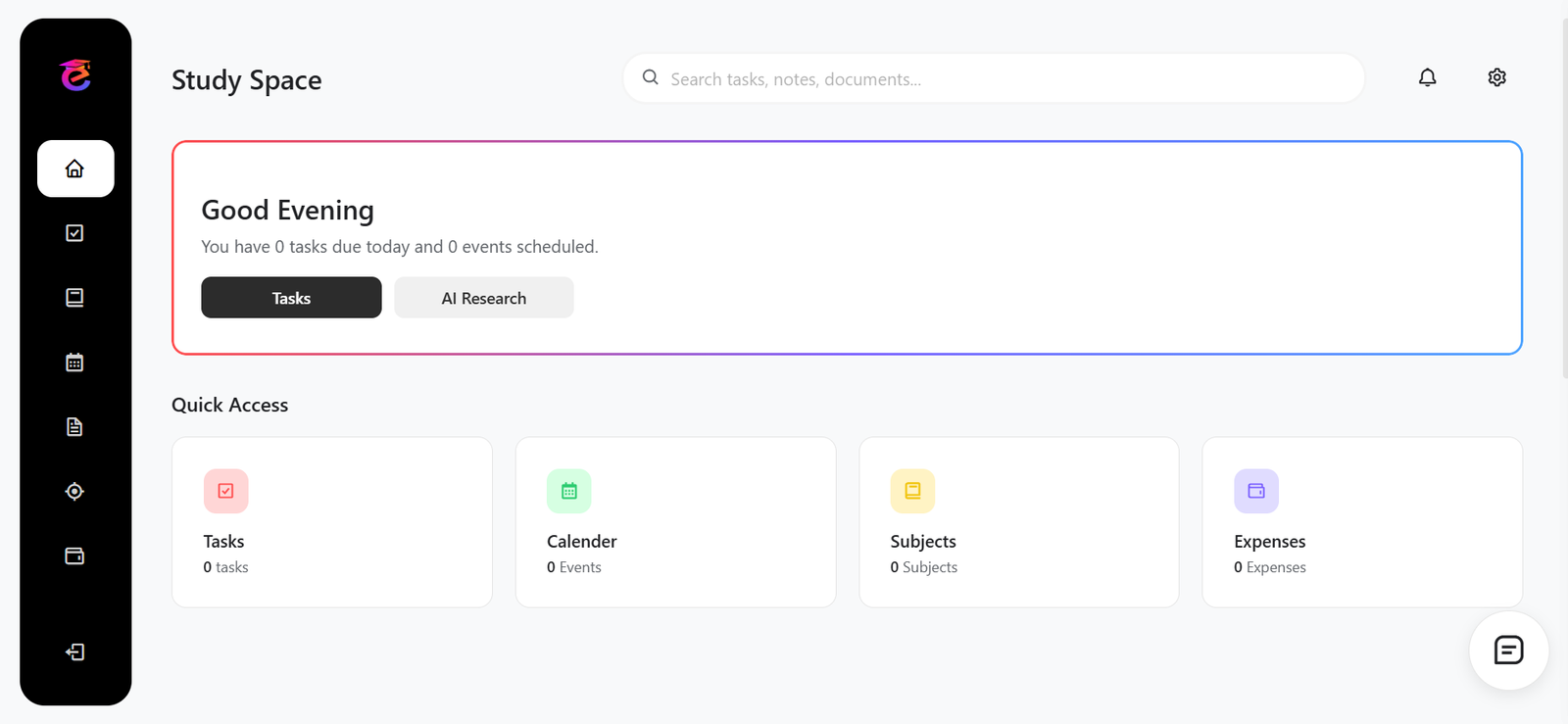
Dashboard

Built around how students actually work

Not another productivity app with 47 settings. Just the tools you actually use, all in one place.

Dashboard
Tasks
Calendar
Subjects
Documents
Expenses
Discipline
✦ AI Research

Your command center

Get a complete overview of your academic life in one glance. Track pending tasks, see upcoming events, and monitor your productivity—all in one centralized dashboard.

REPLACES
  • Multiple productivity apps
  • Scattered to-do lists
  • Calendar reminders
Track all pending assignments
View upcoming exams and deadlines
Monitor daily productivity metrics
Quick access to all features
PRICING

Simple pricing,
built for students.

Same product, same features — priced fairly for where you are.

Free plan available — no credit card required.
INSTALL

Use it like a real app.
No app store needed.

Ennovyx works on any device, offline, with no browser bar — just tap and go.

iPhone / iPad
Safari required
1
Open ennovyx.com in Safari
2
Tap the Share button at the bottom
3
Tap "Add to Home Screen"
4
Tap Add — done. Open it from your home screen like any app
Android
Chrome · auto-prompt
1
Open ennovyx.com in Chrome
2
Chrome will show "Install Ennovyx" at the bottom automatically
3
Tap Install — it downloads like a real app
Opens fullscreen, appears in your app drawer
Desktop
Chrome · Edge · Brave
1
Open ennovyx.com in Chrome or Edge
2
Look for the install icon in the address bar
3
Click "Install Ennovyx" in the popup
Opens as its own window, no browser UI

Focus on learning.
Not managing apps.